
Anonymous users cannot comment on community posts. You must log in to a RecMan Help Center user account to draft a comment. Most RecMan users already have an account with their work email. Simply use "Forgot your password" to activate. You are able to use a personal email address as well and create a new user.
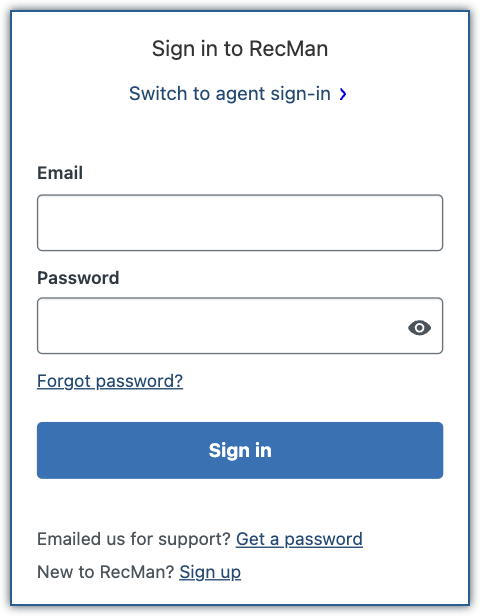
- Click Sign in from the upper right-hand corner.

- Enter your email address and password. If you don't have an account yet, click Sign up to create an account.
- At the bottom of the post, draft your comment.
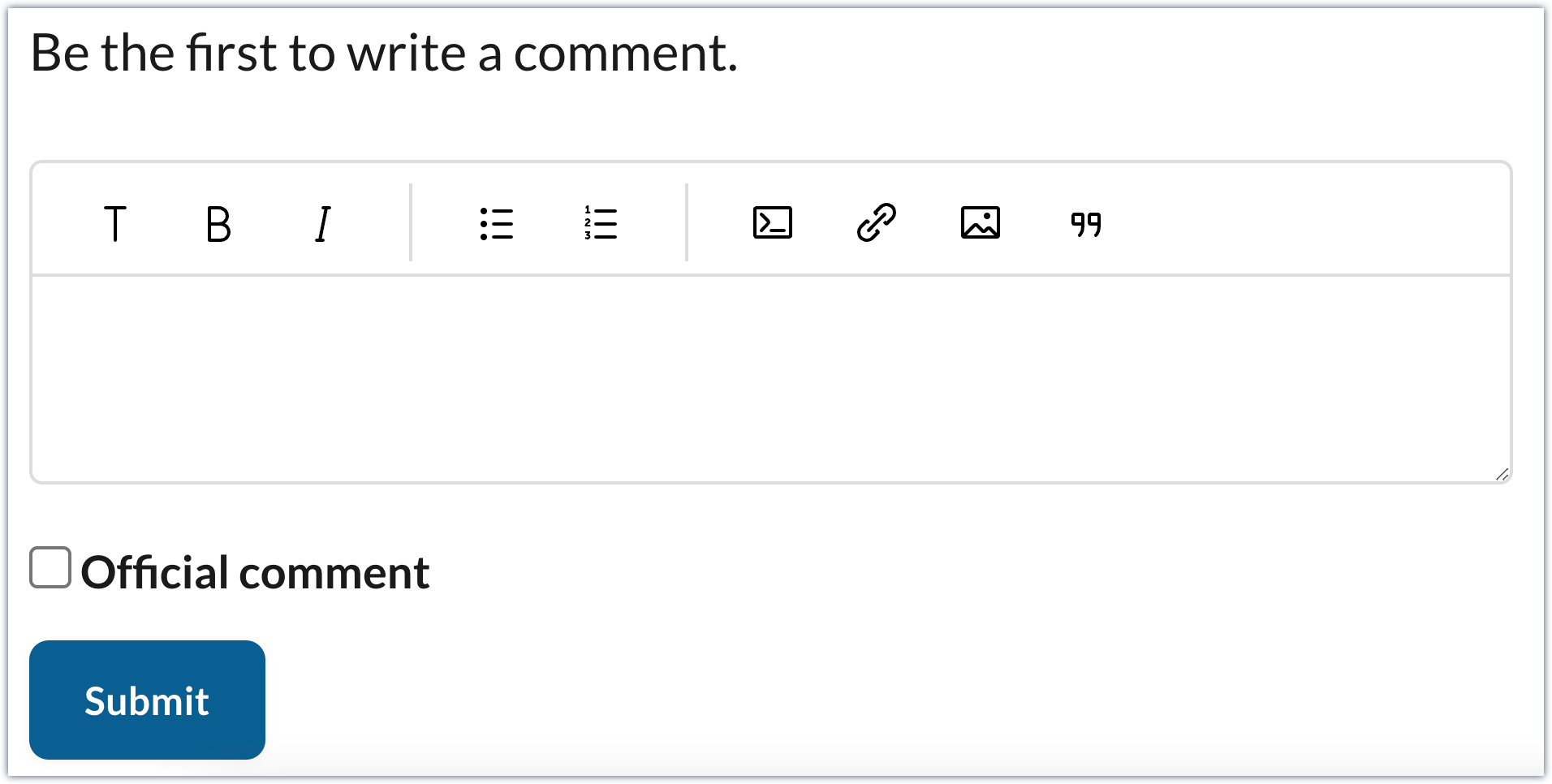
- Optionally, use formatting options from the toolbar.
- Click Submit. Your posted comment will alert the post's followers, as well as the RecMan team.
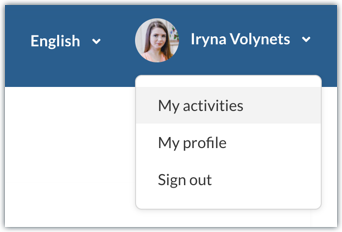
In order to see your posts and comments click on your profile picture and open My activities → Contributions.
Kommentarer
0 kommentarer